Fun games
Practice computer skills through games designed for small hands and new readers. Big buttons, friendly characters, and instant feedback.
 ▶ Play

Play. Practice. Level Up.
Bitkins helps young students build foundational computer skills — typing, clicking, navigating — through fun games they actually want to play.
Sound familiar?
Young students are expected to use Chromebooks before they've learned where the letters are. Bitkins gives them a fun way to practice — at school and at home — so teachers can focus on teaching.
For Students
Students practice letter recognition, keyboard familiarity, clicking, dragging, and typing — and it feels like a game, not homework.
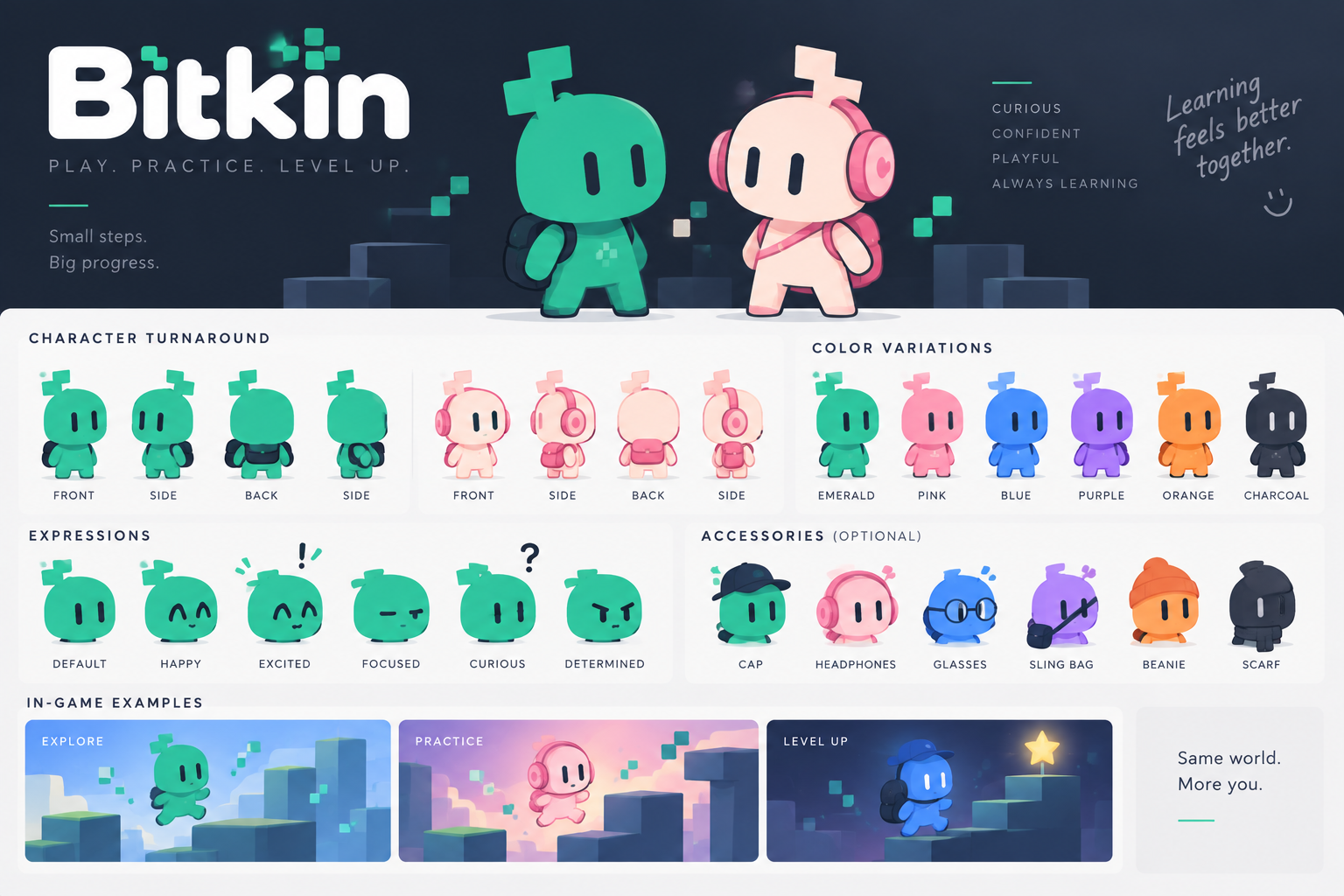
Practice computer skills through games designed for small hands and new readers. Big buttons, friendly characters, and instant feedback.
Build and customize a character that's yours. Earn rare cosmetic items — hats, outfits, accessories — by completing activities.
Start by finding one letter. Work up to words, sentences, and full keyboard fluency — at your own pace.
For Teachers
Choose the skill, pick a game, assign to your class. Bitkins handles the rest — so you can get back to teaching.
Create a class, add student names, share your class code. Students find their name and avatar — no passwords needed for Kindergarten.
Pick what students practice — letters, trackpad skills, sight words, home row. The platform suggests the right games automatically.
See how each student is doing without wading through spreadsheets. Know who's ready to move on and who needs more time.
How it works
Add your roster and share the class code. Students join by finding their name on screen.
Pick what you want students to practice. Letters, trackpad basics, words, typing — your choice.
Students see their activity the moment they log in. Tell them to press Start — they'll take it from there.
Ready?
Bitkins is coming soon. Join the waitlist to be the first to know when it launches.
Join the Waitlist